Stake DUAL, strengthen the network.
Staking adds to the Dual Network's economic security and earns you rewards from network fees. It happens on Dual Network itself, so this guide walks you through the whole path: set up a wallet, bridge your DUAL from Ethereum, and stake.
Unstaking is instant, with no lock-up. You can unstake on Dual Network whenever you choose. The only waiting period comes if you later bridge back to Ethereum: that takes 7 days, the standard challenge window that keeps every Layer 2 network secure.
What your stake does.
Staking secures the Dual Network economically and rewards you for taking part. Here is what that means today, and where it is headed.
Economic security, today
Right now that security is economic, not technical: the more DUAL staked, the more value backs the network and the stronger the trust in it.
Node delegation, ahead
In the future you will also be able to delegate your stake to nodes run by ecosystem members such as operators and enterprises, so your stake can directly help run the network.
Rewards from network fees
Staked DUAL earns a share of the fees the network generates. Rewards accrue automatically, with no action needed to start earning.
You stay in control
Your tokens remain yours throughout. Unstaking is instant on Dual Network; only bridging back to Ethereum carries the 7-day window.
Pick a compatible wallet.
To use Dual Network, your wallet needs to support custom EVM networks. Find your situation below.
Supports custom networks out of the box, on both the browser extension and MetaMask Mobile. If you do not have a wallet yet, this is the easiest path.

Trezor, Ledger, Bitkey and others: connect your device to the MetaMask extension first, then use MetaMask to add Dual Network and sign. Your keys stay on the device.
Some mobile wallets cannot add a custom network. If yours cannot, move your tokens to one that can, such as MetaMask Mobile or Base Wallet.

Tangem does not support Dual Network yet. As a temporary workaround until it does, we built a separate app to stake with a Tangem card.
Open the Tangem workaroundA note on Trust Wallet. Trust Wallet appears to have recently removed the option to add a custom EVM network in its mobile app, on both Android and iOS. It now works only through the Trust Wallet Chrome extension, which can sync with your mobile wallet. Using the extension means trusting your browser and desktop as part of your wallet setup, so to keep your wallet strictly on mobile, use MetaMask, Base Wallet, or another mobile wallet that supports custom EVM networks.
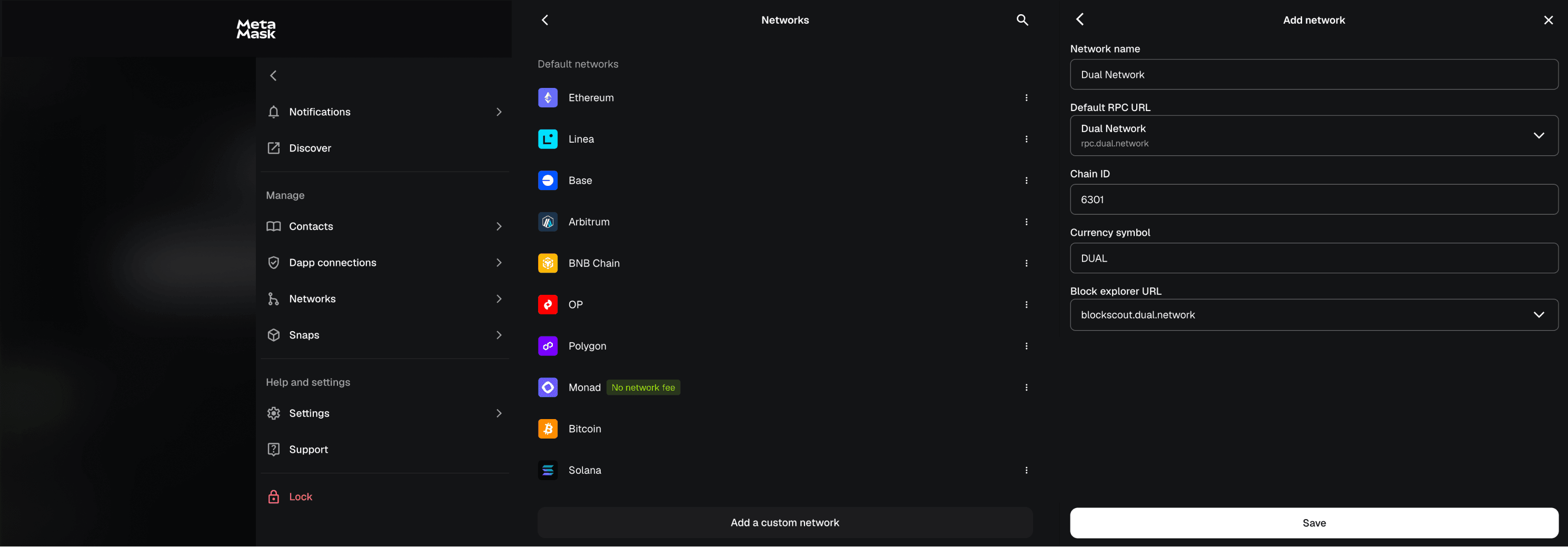
Add Dual Network.
Use the Add Dual Network button in the staking app for one-click setup, or add it manually in your wallet with these details.
From Ethereum to a staked position.
Tell us where your DUAL is and we'll show only the steps you need. Already on Dual Network? You can skip the bridge entirely.
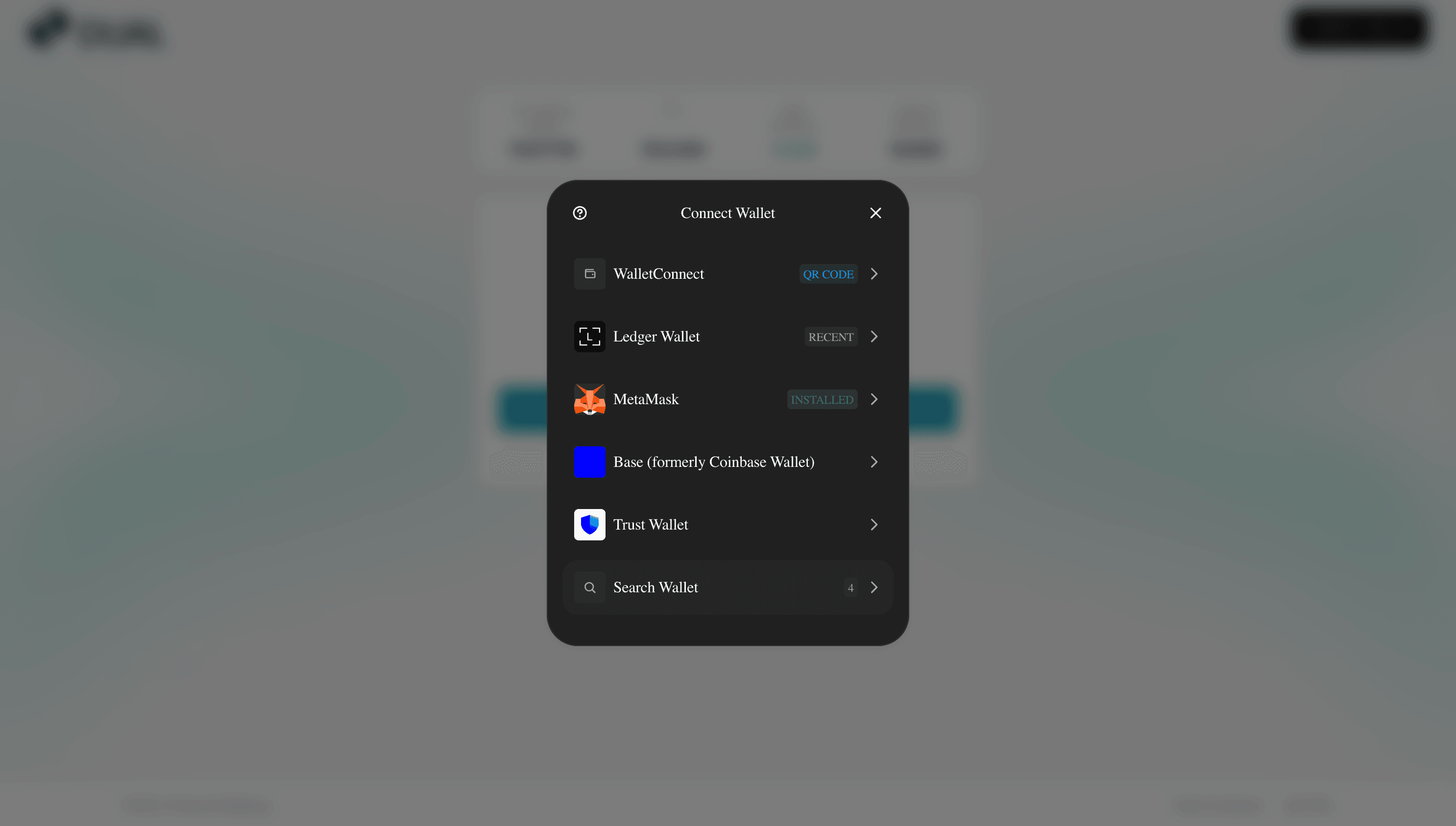
Connect your wallet
Open the staking app and connect your wallet. The app reads where your DUAL is and shows you the right next step.
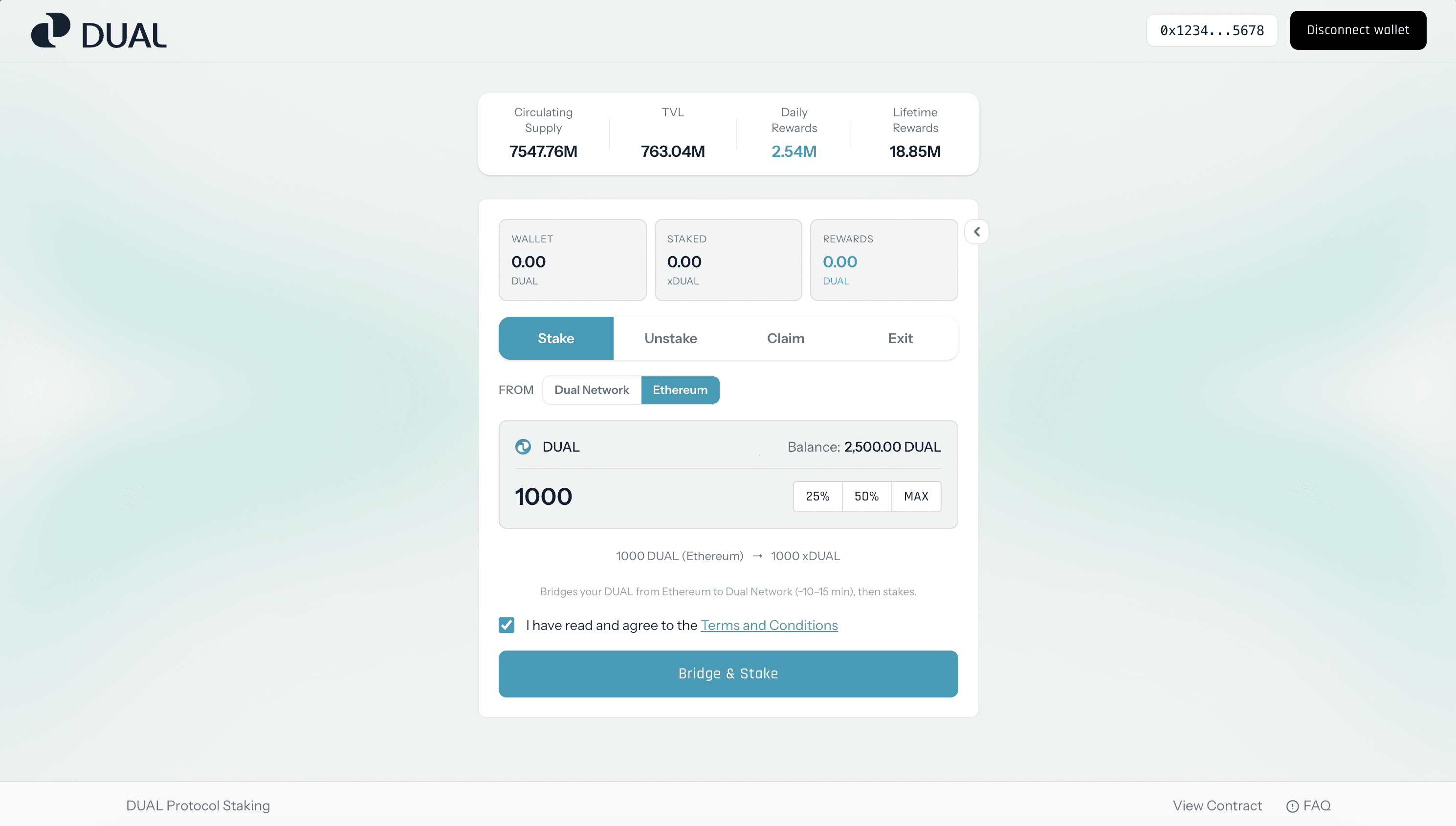
Select Ethereum and enter the amount
Choose Ethereum as the source chain and enter the amount of DUAL you want to bridge. Review the amount carefully before continuing.
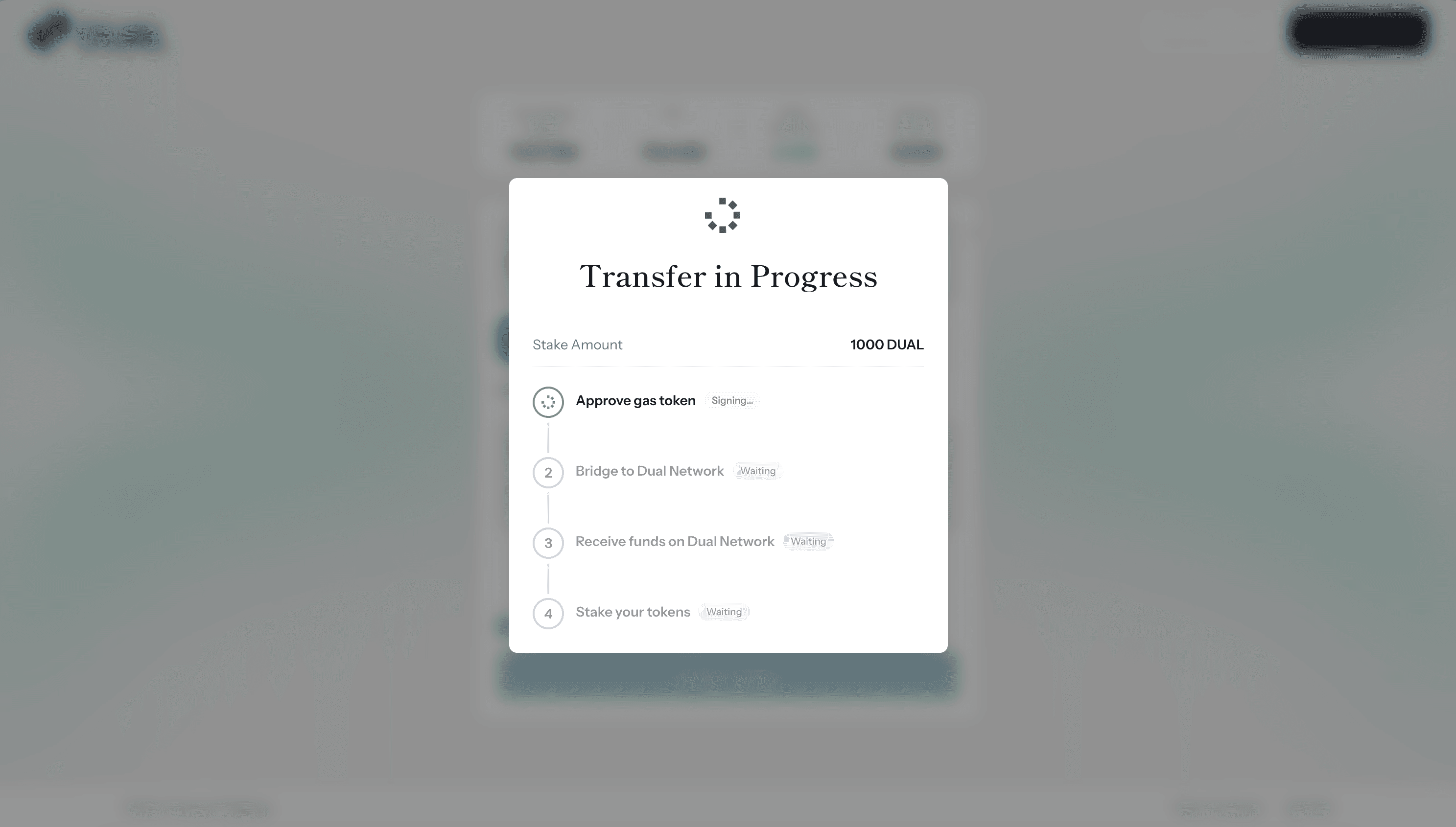
Approve DUAL spending
Your wallet may ask you to approve the staking app to use your DUAL on Ethereum. This is a one-time token approval, not the bridge itself.
Bridge to Dual Network
Start the bridge transaction and confirm it in your wallet. This moves your DUAL from Ethereum to Dual Network.
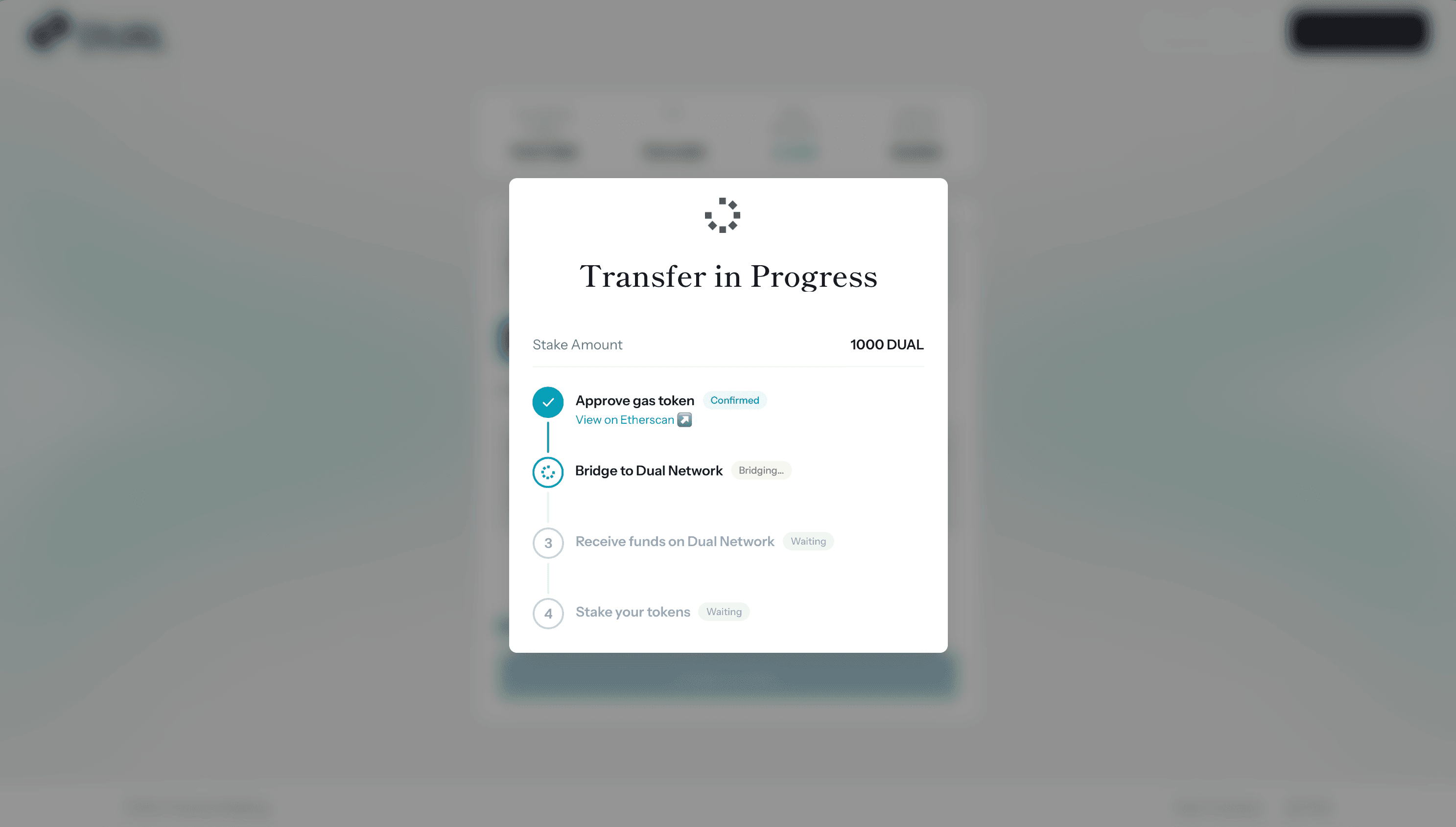
Wait for your tokens to arrive
Bridging can take up to 12 minutes. Keep the page open and wait for the status to update. Your DUAL is then available on Dual Network.
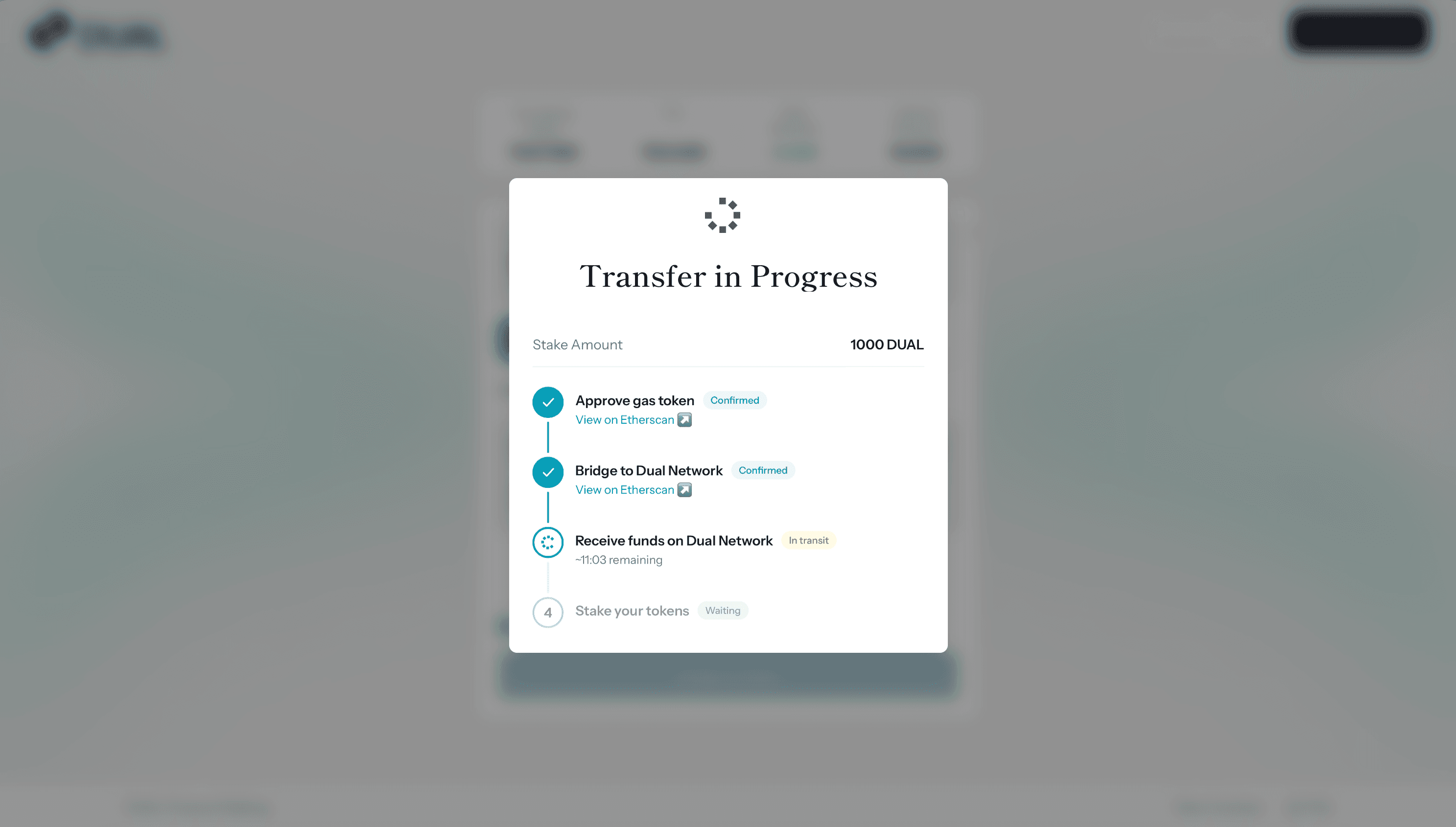
Stake on Dual Network
Switch your wallet to Dual Network if prompted, enter the amount you want to stake, and confirm. Once it confirms, your DUAL is staked.
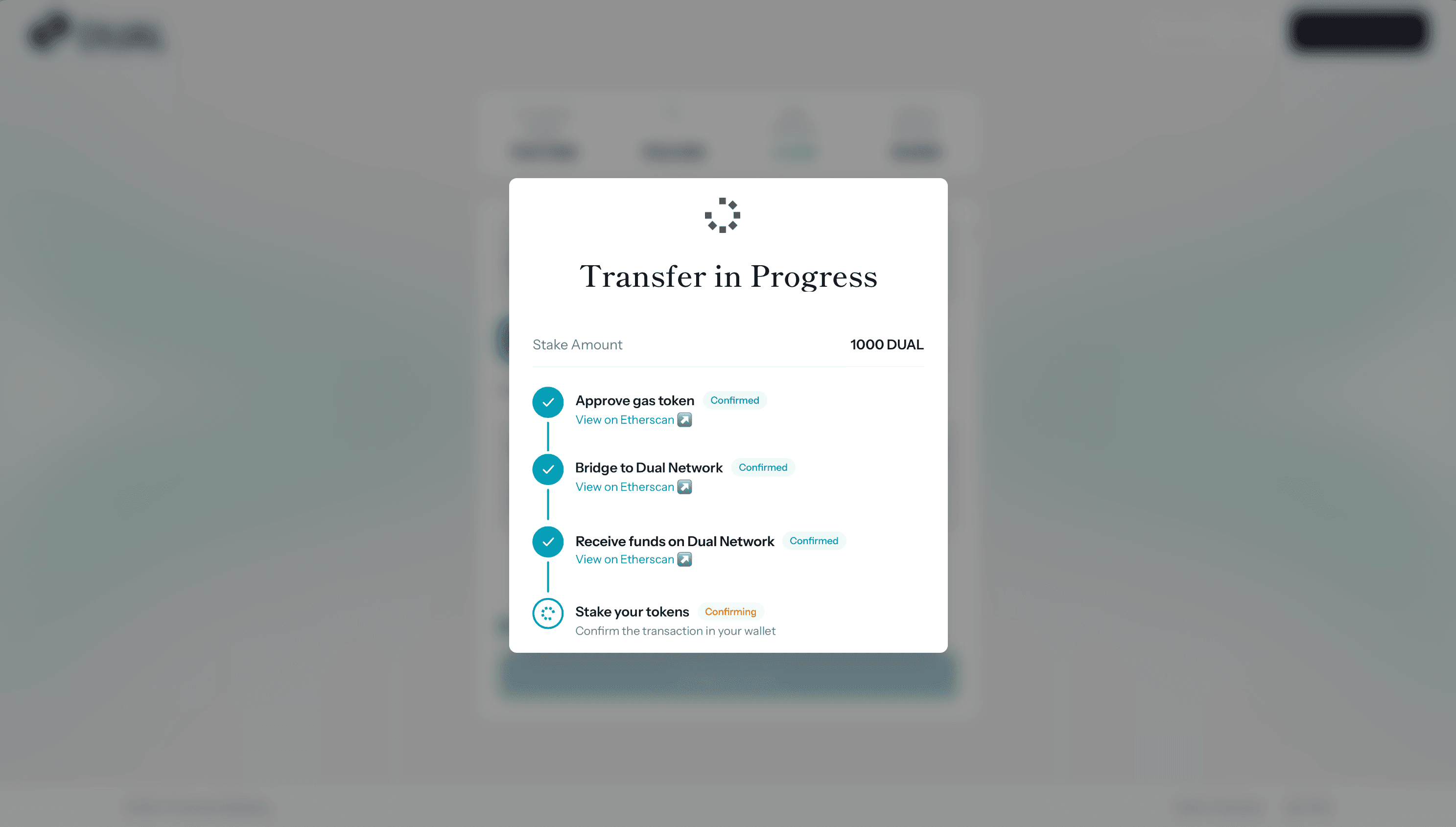
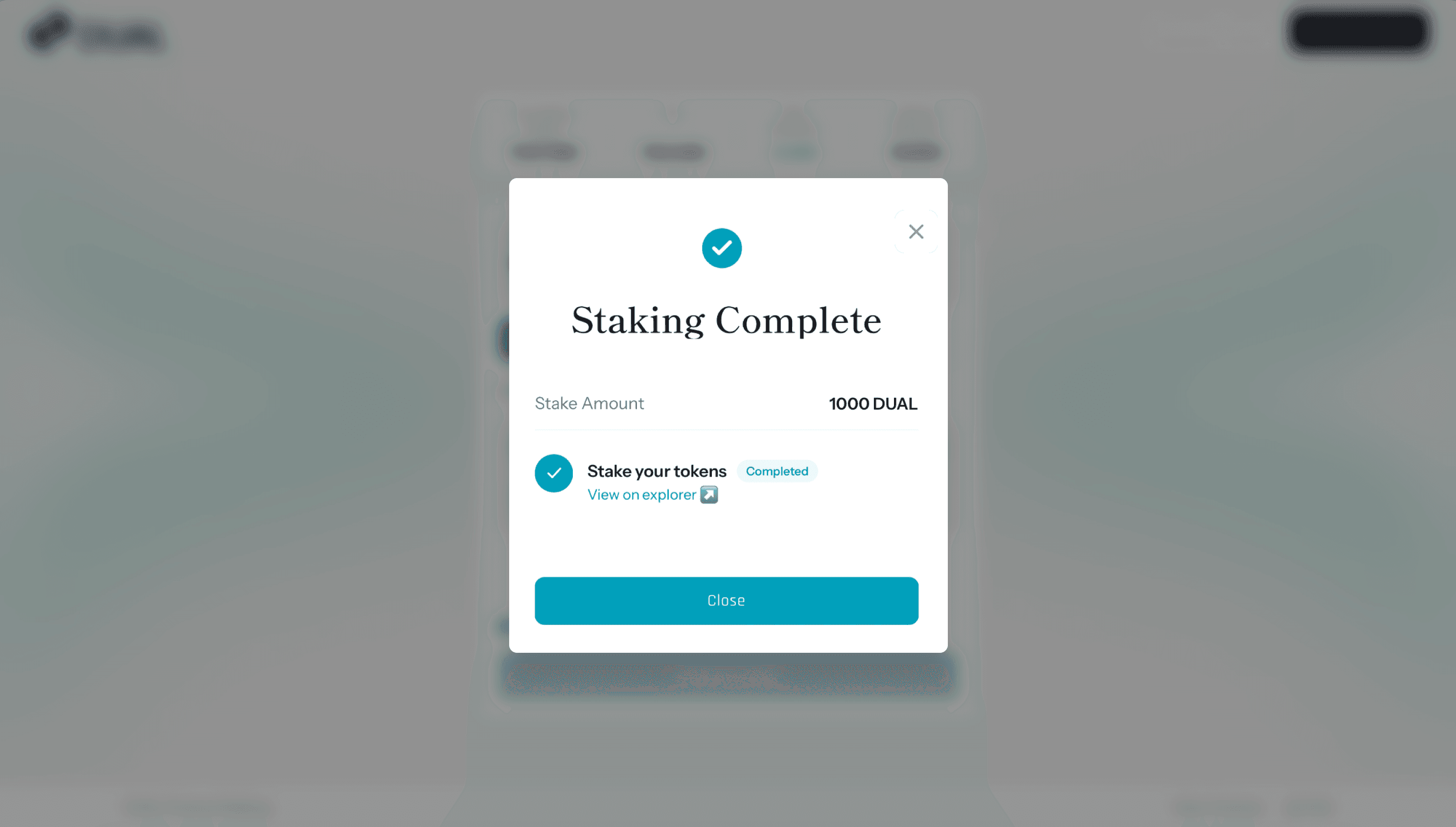
Staking complete
The app confirms once your stake is in. That is it, your DUAL is staked and earning rewards.
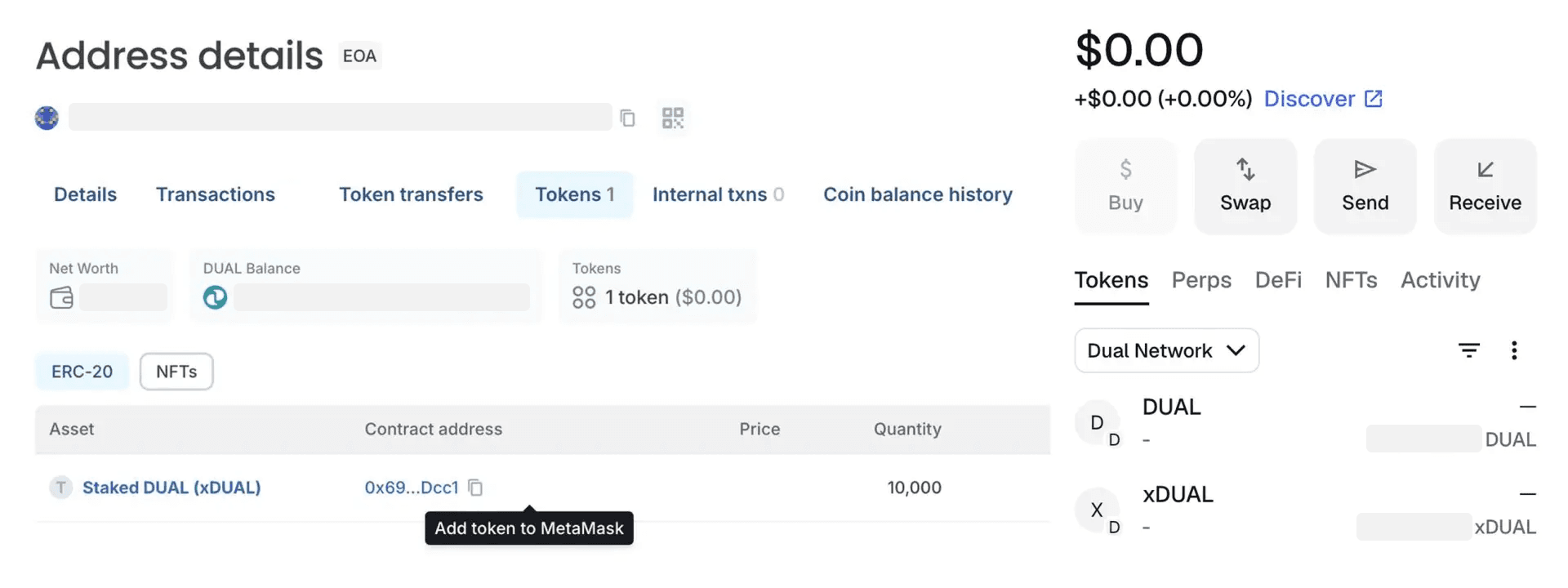
See your xDUAL.
When you stake, you receive xDUAL, a token that represents your staked position and serves as the token for governance voting. Open your address on Blockscout, check the Tokens tab, and click Add token to MetaMask to see it alongside your DUAL balance.